
Account instructions
Linking Your account to the Menevä app
For the passenger
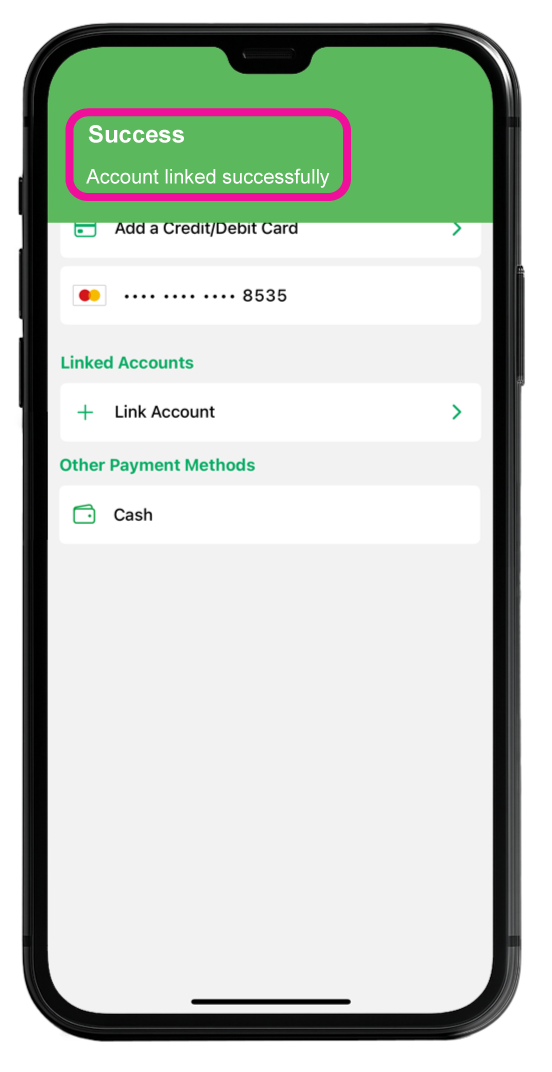
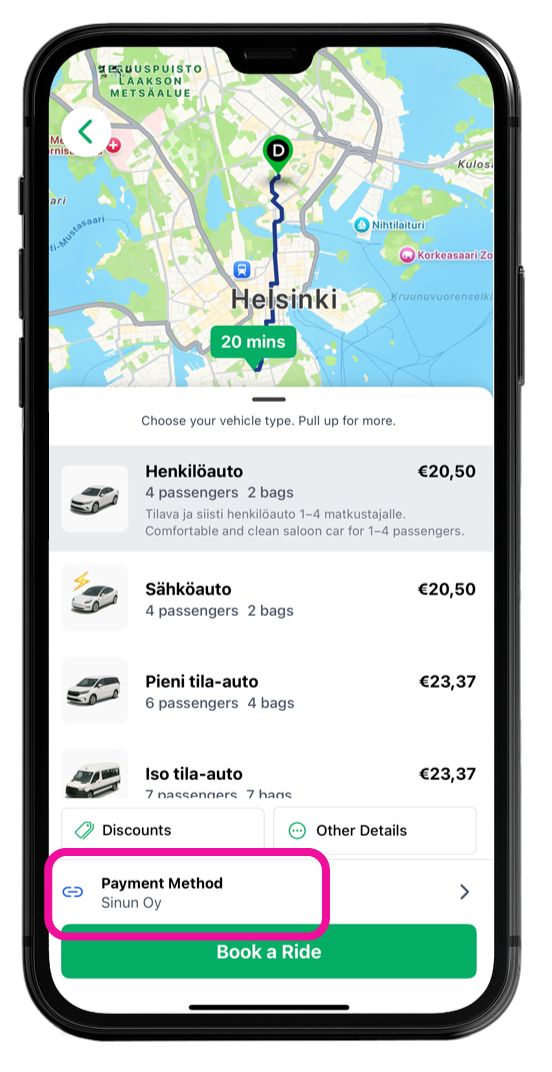
The business account will be linked to your app as a payment method. Once this is successfully done, you will receive a confirmation message and the account will appear in the payment menu and you can choose to use linked account as a payment method when booking a ride.
1. Download Menevä app
Download Menevä app from the App Store tai Play Store. Using the app requires registration.
 |
|

2. Signing up for an account
If your company has a designated account administrator, send them the following:
- Your name
- The phone number you used when registering for the app
- The email address you used when registering for the app
3. Linking Your account to the app
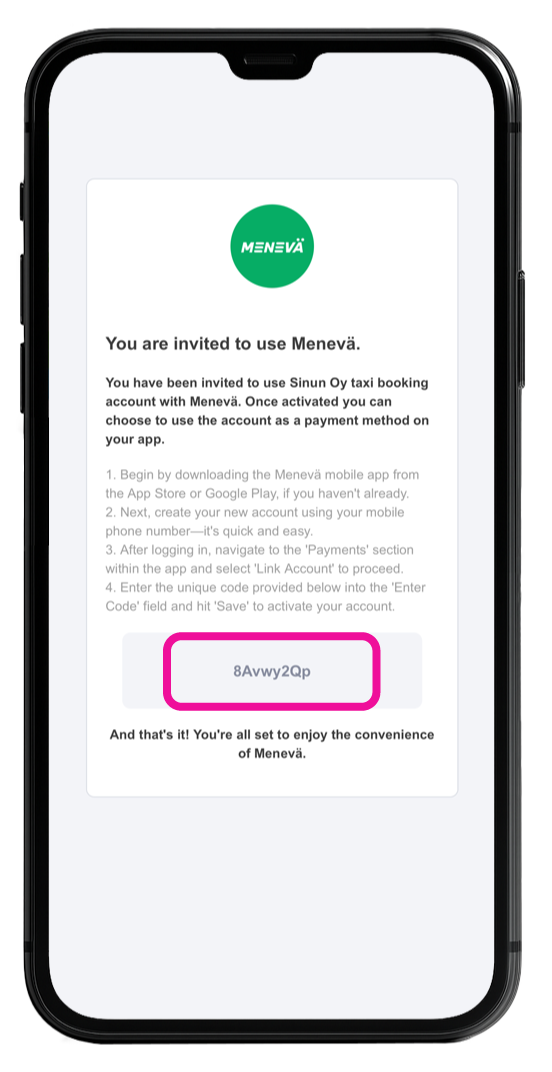
Once you have been added as a passenger to the companys business account, you will receive a verification code by email
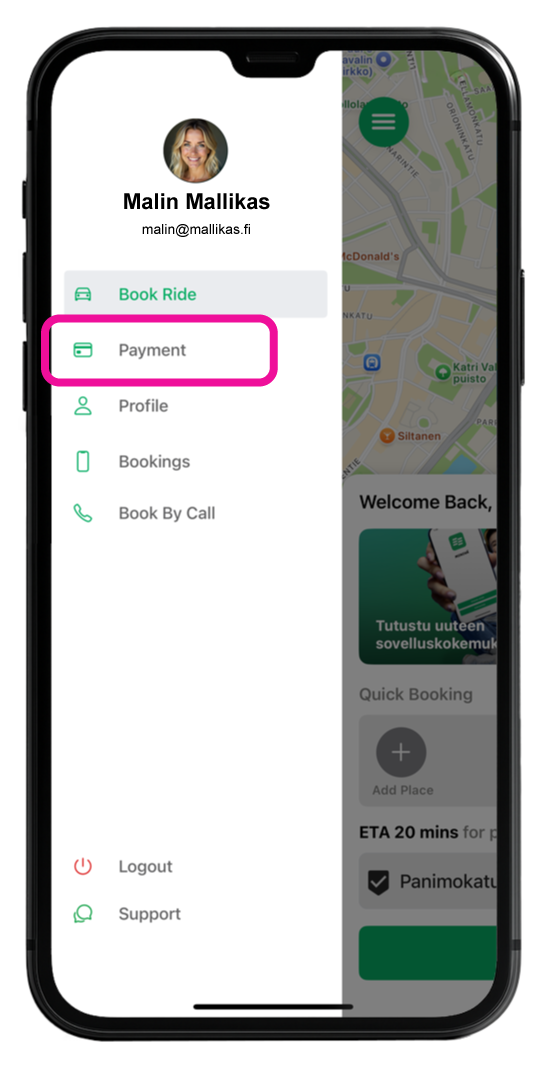
Choose "Payment" in the main menu
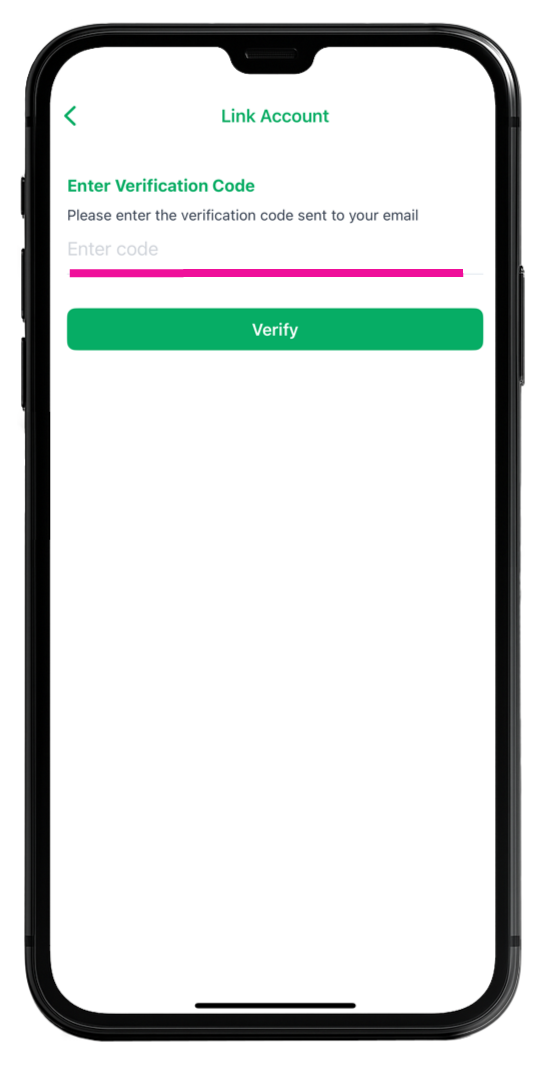
Choose "Link Account"

Fill in the verification code you have received by email
After linking your account, you can start booking rides using your account as a payment method
Choose your Linked account as the payment method before completing the booking
For the administrator
The user administrator for your company´s account can edit, and remove users, as well as book rides for them or your guests, create user groups and travel restrictions, and download travel reports.